Search Engine Reconnaissance for Security Assessments
A practical methodology for leveraging search engines during security assessments. Covers operators, query construction, and techniques for identifying exposed assets, sensitive files, and misconfigurations across internet-facing infrastructure.
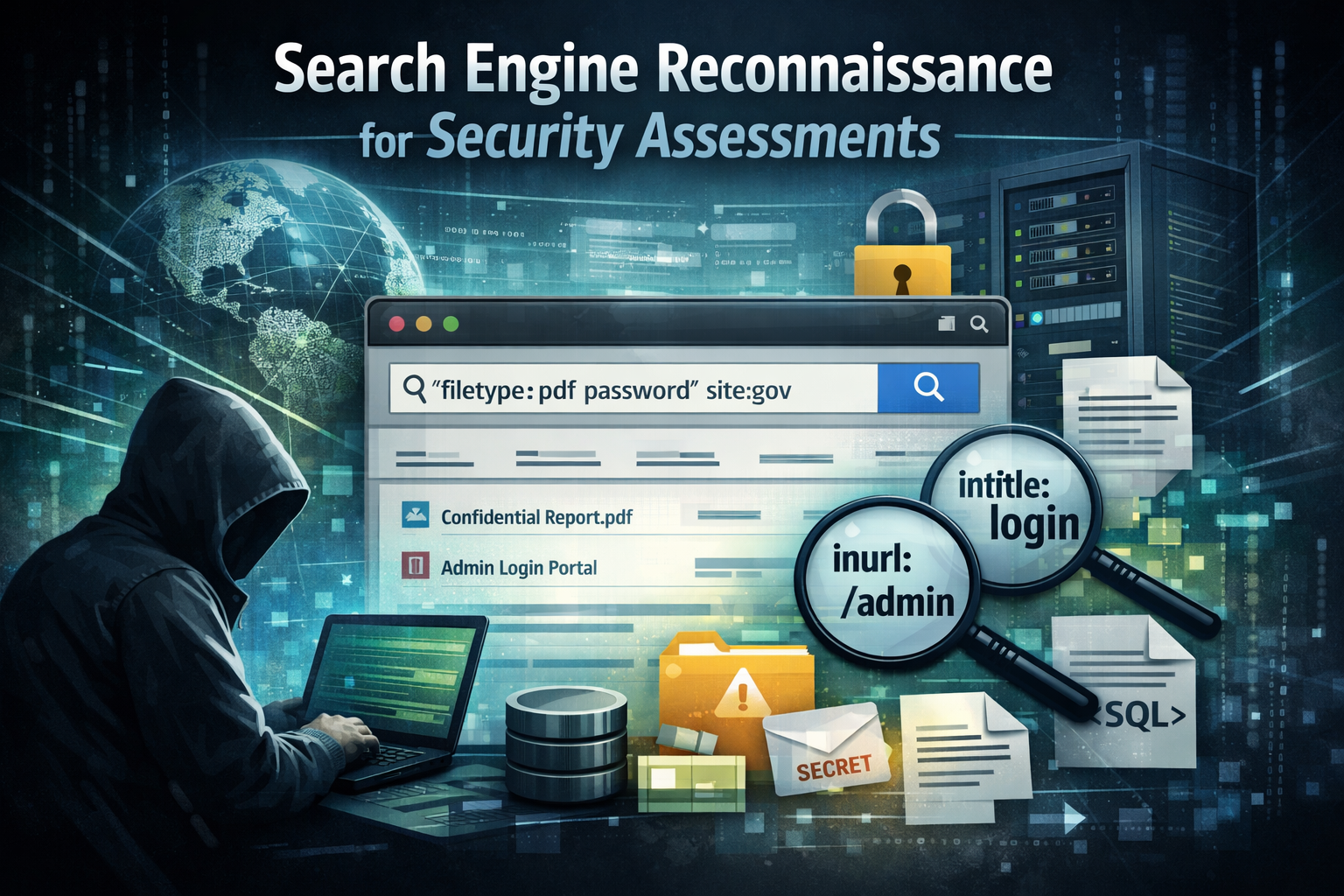
Search engines remain one of the most effective reconnaissance tools available during security assessments.
Public indexing continuously exposes misconfigurations, forgotten assets, sensitive documents, and development artifacts. When used methodically, search queries can surface risks faster than active scanning and with significantly less noise.
This guide documents a structured approach to search‑engine–based reconnaissance, including core operators, query composition, and repeatable discovery techniques used in professional engagements.
“The best recon artists don’t just use Google. They think like Google.”
Phase 0: Think Like a Recon Ninja
- Expand your mental model: The internet is a giant indexed database of human mistakes.
- Less noise, more signal: Craft tight, targeted queries instead of blasting keywords.
- Chase relationships: Don’t just find a file figure out why it’s there, who owns it, and what else they forgot.
Tools change. Mindset stays.
Phase 1: Master the Core Google Operators
| Operator | Description | Example |
|---|---|---|
inurl: | Finds keywords anywhere in the URL. | inurl:admin |
site: | Limits search to a specific site or TLD. | site:gov |
filetype: | Looks only for specific file types. | filetype:pdf |
intext: | Searches body content. | intext:"confidential" |
intitle: | Searches page titles. | intitle:"index of" |
allinurl: | All words must be in URL. | allinurl:backup zip |
related: | Find similar sites. | related:bbc.com |
info: | Get cache and info Google has. | info:example.com |
link: | Pages that link to a URL. | link:target.com |
"..." | Exact phrase match. | "internal use only" |
- | Exclude words. | admin -login |
OR | | Find either word. | dev OR stage |
Phase 2: Stack Queries Like a Pro
“True power comes from combining operators.”
| Example Query | What it Does |
|---|---|
site:gov filetype:xls "password" | Searches for Excel files on government sites containing passwords. |
inurl:admin intitle:login | Finds admin login pages. |
"index of /backup" | Discovers open directory listings of backups. |
inurl:.git "index of" | Finds publicly exposed Git repos. |
filetype:sql intext:password | Looks for SQL dumps with possible creds. |
Phase 3: Target High-Risk Files & Endpoints
Dork Targets to Prioritize
filetype:pdf inurl:confidentialfiletype:xls inurl:financialfiletype:doc inurl:invoicefiletype:log inurl:adminintitle:"index of" "backup"inurl:/phpmyadmin/inurl:/wp-admin/inurl:/etc/passwdfiletype:env | filetype:log | filetype:sql
“Every file on Google was put there by mistake or by design. You win by knowing which is which.”
Phase 4: Quick Reference CLI Dorking
ddgr (DuckDuckGo CLI)
1
2
3
4
5
ddgr 'inurl:admin intitle:login site:.gov'
ddgr 'intitle:"index of" passwd'
ddgr 'filetype:sql intext:dump site:.edu'
ddgr 'inurl:wp-admin site:.fr | site:.ca | site:.us'
ddgr 'ext:log | ext:env | ext:sql site:.com'
Phase 5: Target Vulnerable Parameters
| Type | Example Vulnerable Queries | ||
|---|---|---|---|
| XSS | `inurl:q= | inurl:search= | inurl:query=` | ||
| Open Redirect | `inurl:redirect= | inurl:next= | inurl:url=` | ||
| SQLi | `inurl:id= | inurl:cat= | inurl:dir=` | ||
| LFI | `inurl:file= | inurl:page= | inurl:doc=` | ||
| SSRF | `inurl:http | inurl:domain= | inurl:url=` | ||
| RCE | `inurl:cmd= | inurl:exec= | inurl:run=` |
“Don’t just scan. Follow the parameters. That’s where developers hide trust.”
Phase 6: Use Dedicated Dork Engines
🛠 Supercharge with These
- DorkGPT generates tailored dorks by goal (passwords, backups, camera feeds).
- DorkSearch lets you input targets and refine with easy operators.
- Exploit-DB GHDB thousands of proven dorks.
If Google starts throttling you, switch to DuckDuckGo or Yandex for a new index view.
Final Thought
“Google is the biggest database of human mistakes ever created. Your job is to know how to ask.”
“Don’t hunt random data. Hunt assumptions. That’s where the real holes are.”
Summary Checklist
- Master advanced operators (
inurl,filetype,site,intitle, etc.) - Build complex stacked queries for precision.
- Hunt risky files: backups, .env, SQL dumps, logs.
- Identify common vulnerable parameters.
- Use tools like
ddgr,DorkGPT, andDorkSearch. - Always ask: Who put this online, and why?
“Google hacking is the art of finding what no one meant to show you.”